
Change permissions on login levels
In some situations, you might want to create a level of permissions for specific roles.
From your top menu choose Toy Library>Login levels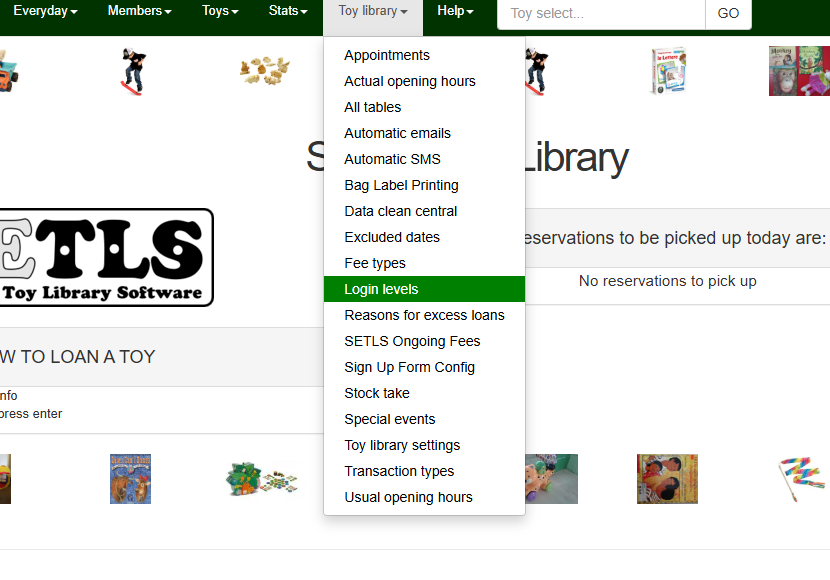
This will show your current login levels that reside within your system, and the level of access for each. Scroll to the right of the page to Edit or Delete (warning! Deleting levels should only be done if there is no member allocated that access level)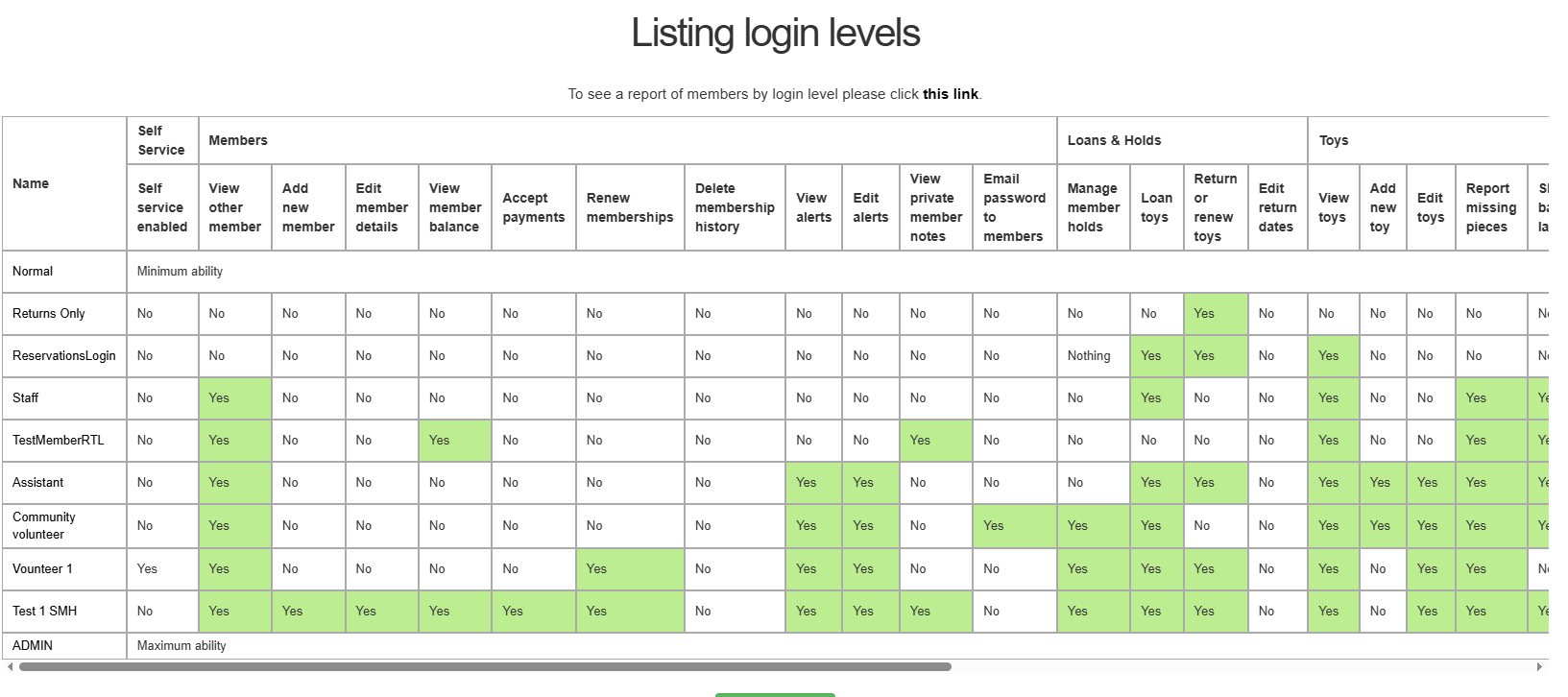
To create a new login and its permission set accordingly, scroll to the bottom of the page and click New Login Level
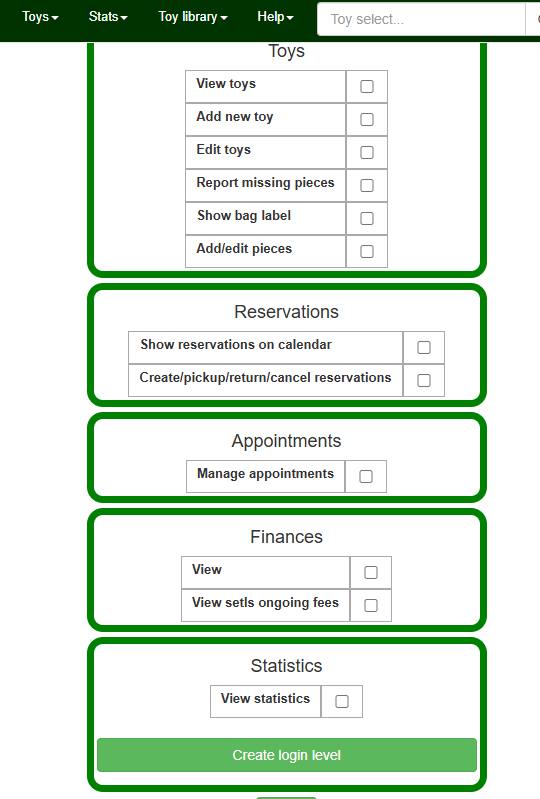
Fill in the name of the role (make it a term that clearly identifies its use, e.g. Cataloguer), tick the boxes of the permissions you would like to have, then scroll to the bottom and click Create login level.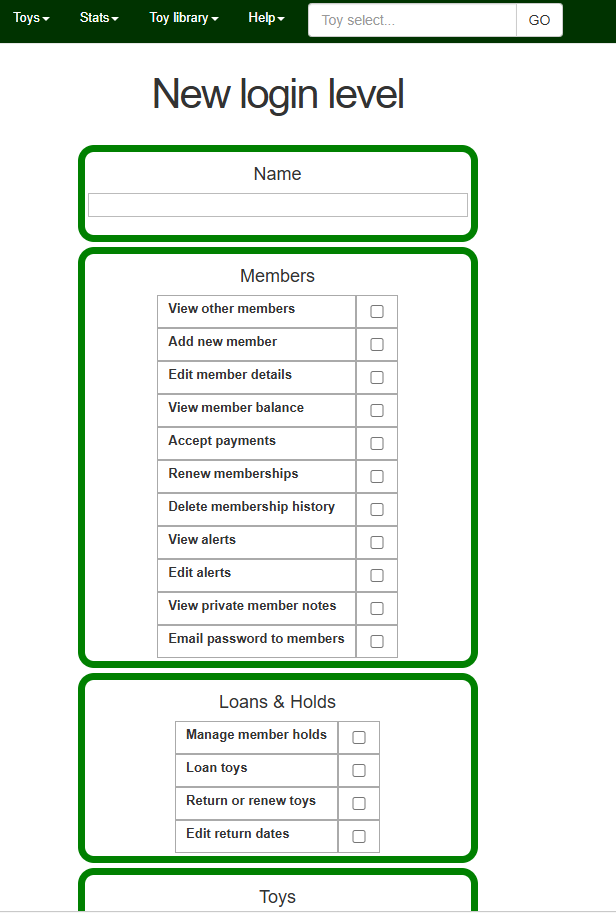
No Comments