Holds
Holds are a queue-based system that allows members to ask you to ''hold" items for them.
Holds are not linked to specific dates (see Reservations if you need date-linked categories).
To create a hold for a specific toy
Search for the toy using the Toy select box and choose it.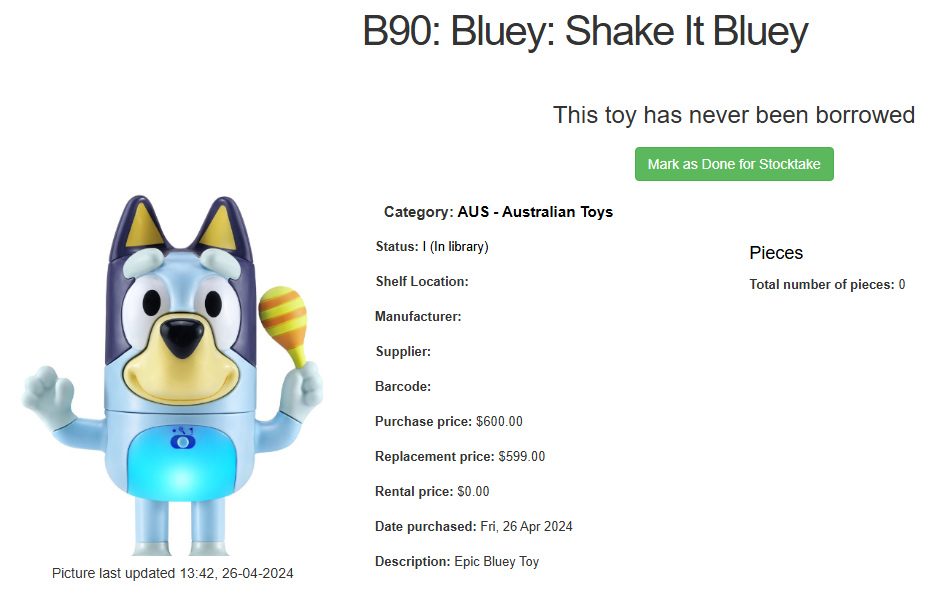
Click on Holds on the left hand side of the page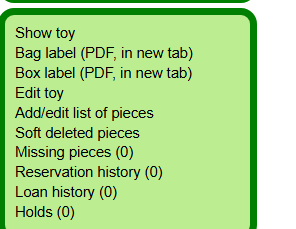
In the Place a hold on this toy box, type the beginning of the member name and then click on the correct choice. Click the Place Hold button.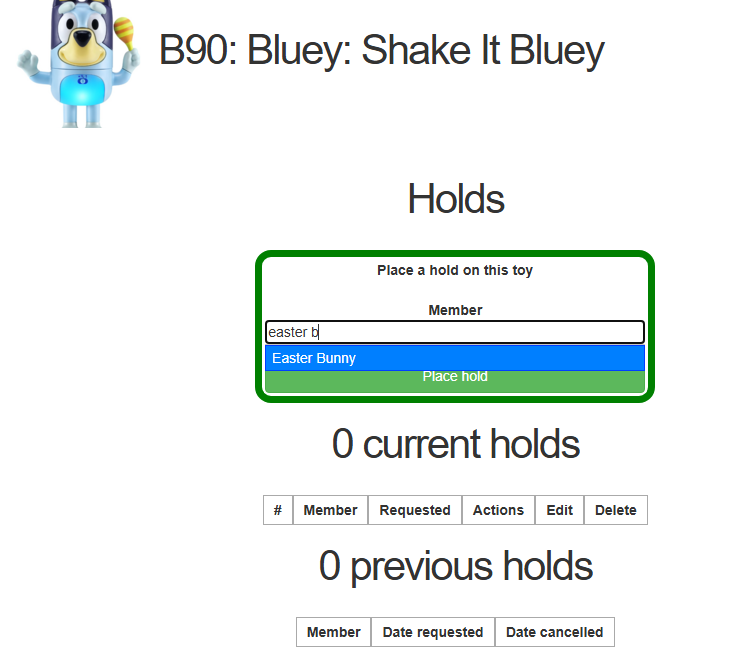
A success message should show and 1 Current holds boxes have been completed.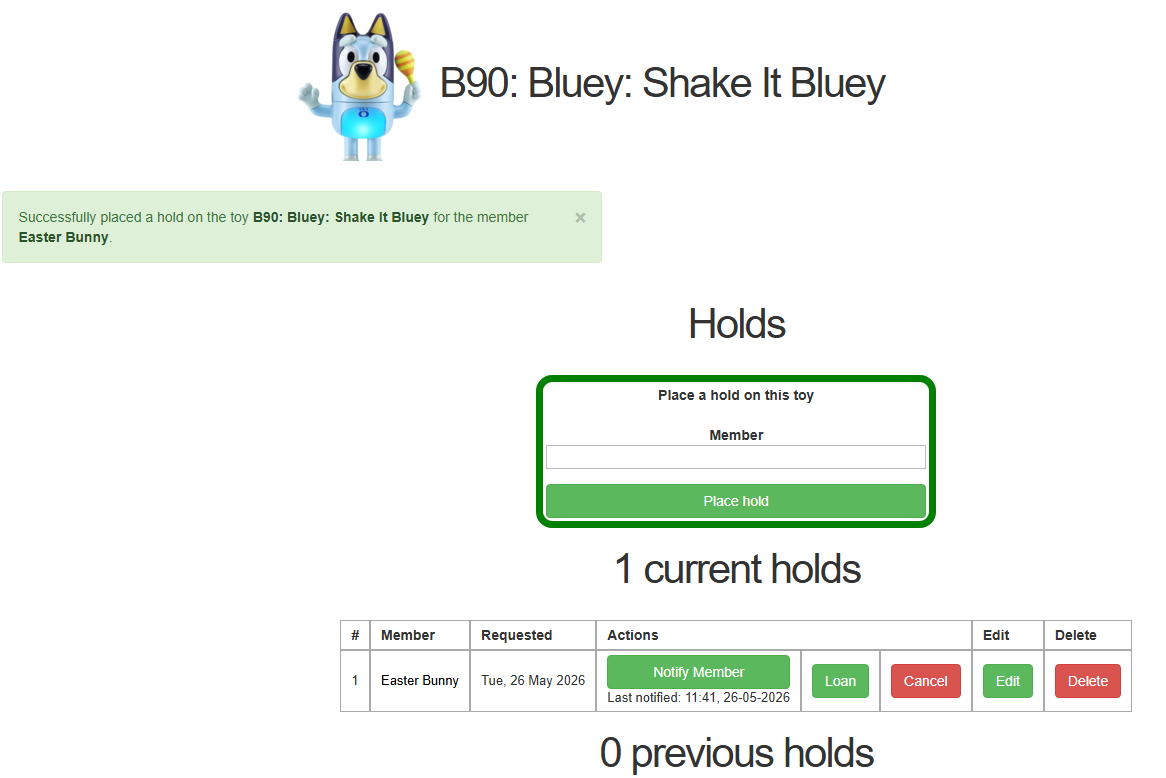
From here you can click Notify member (this sends an automated email, check your email says what you want it to say), click Loan to the member (for example they are stood in front of you), Cancel or Delete the entry.
Note: In SeTLS, Reservations take precedence over Holds because they are linked to specific dates.